Mention Groups for Jira is a Jira plugin that allows users to tag groups in their comments. This plugin is useful for users who want to notify multiple people at once. The plugin is easy to use and can be installed from the Atlassian Marketplace.
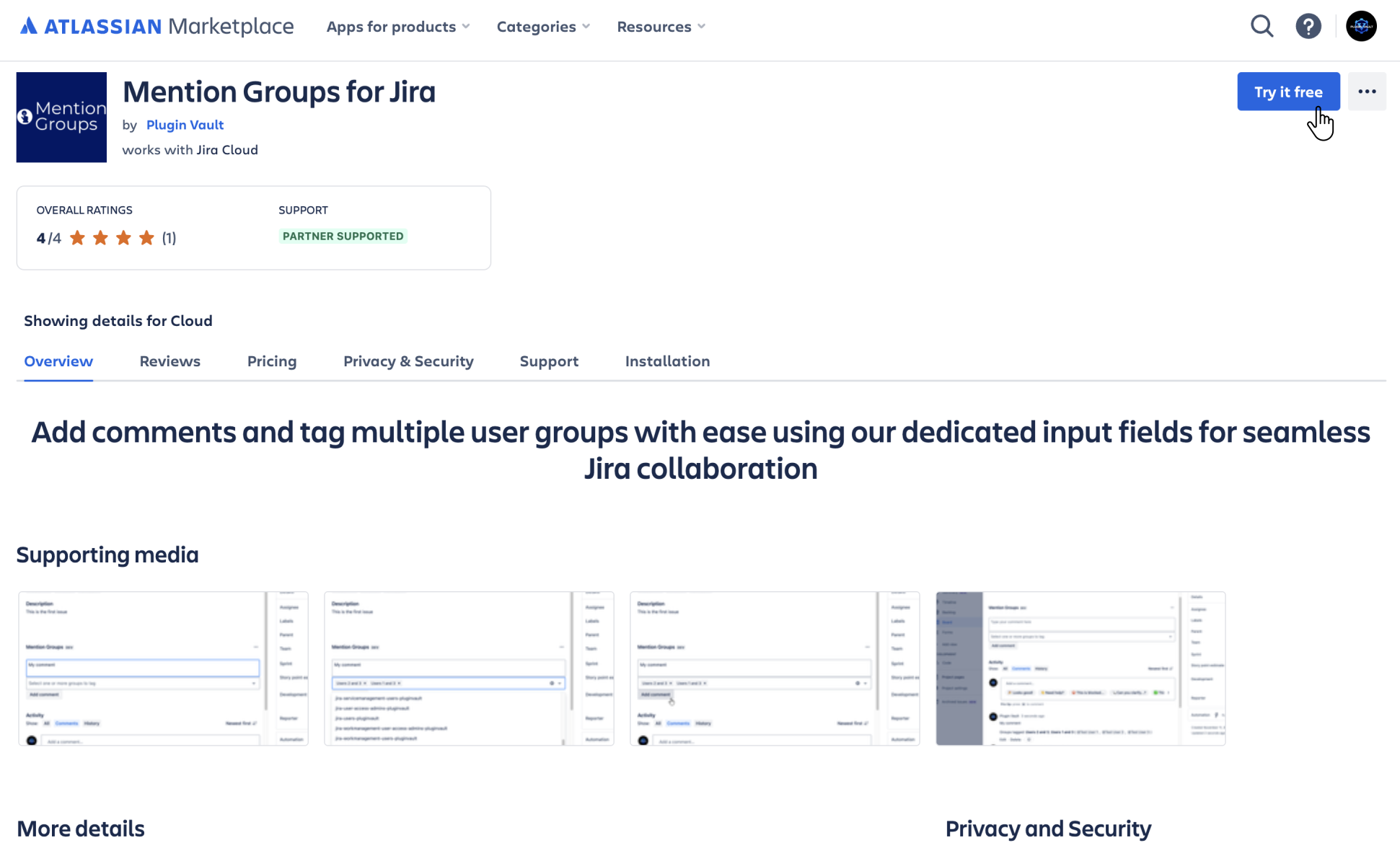
Find the app on the Atlassian Marketplace and click Try it free or Get it now to add the app to your site. Ensure you have admin permissions to view user groups when installing.
How to use
Navigate to an issue you would like to tag groups in.
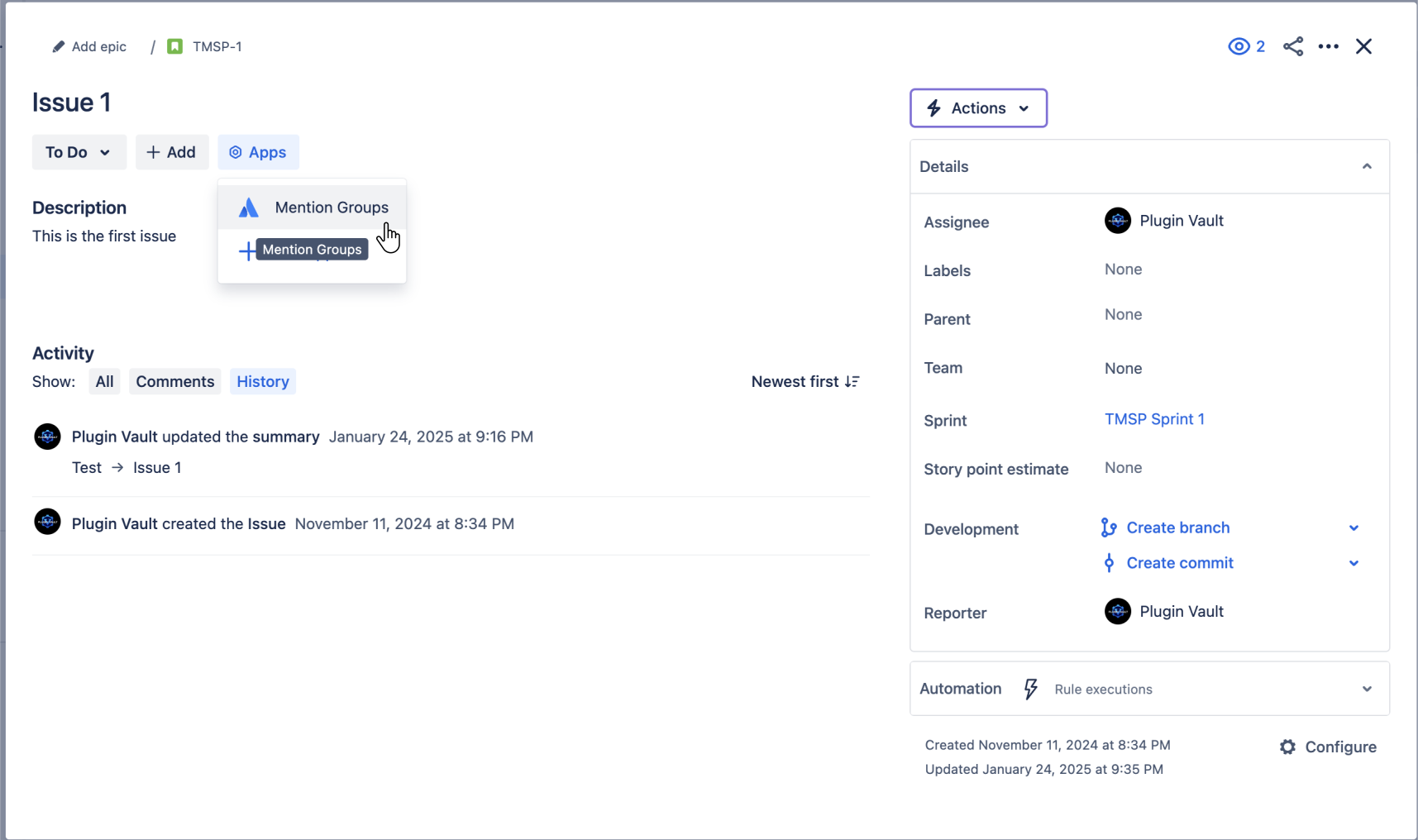
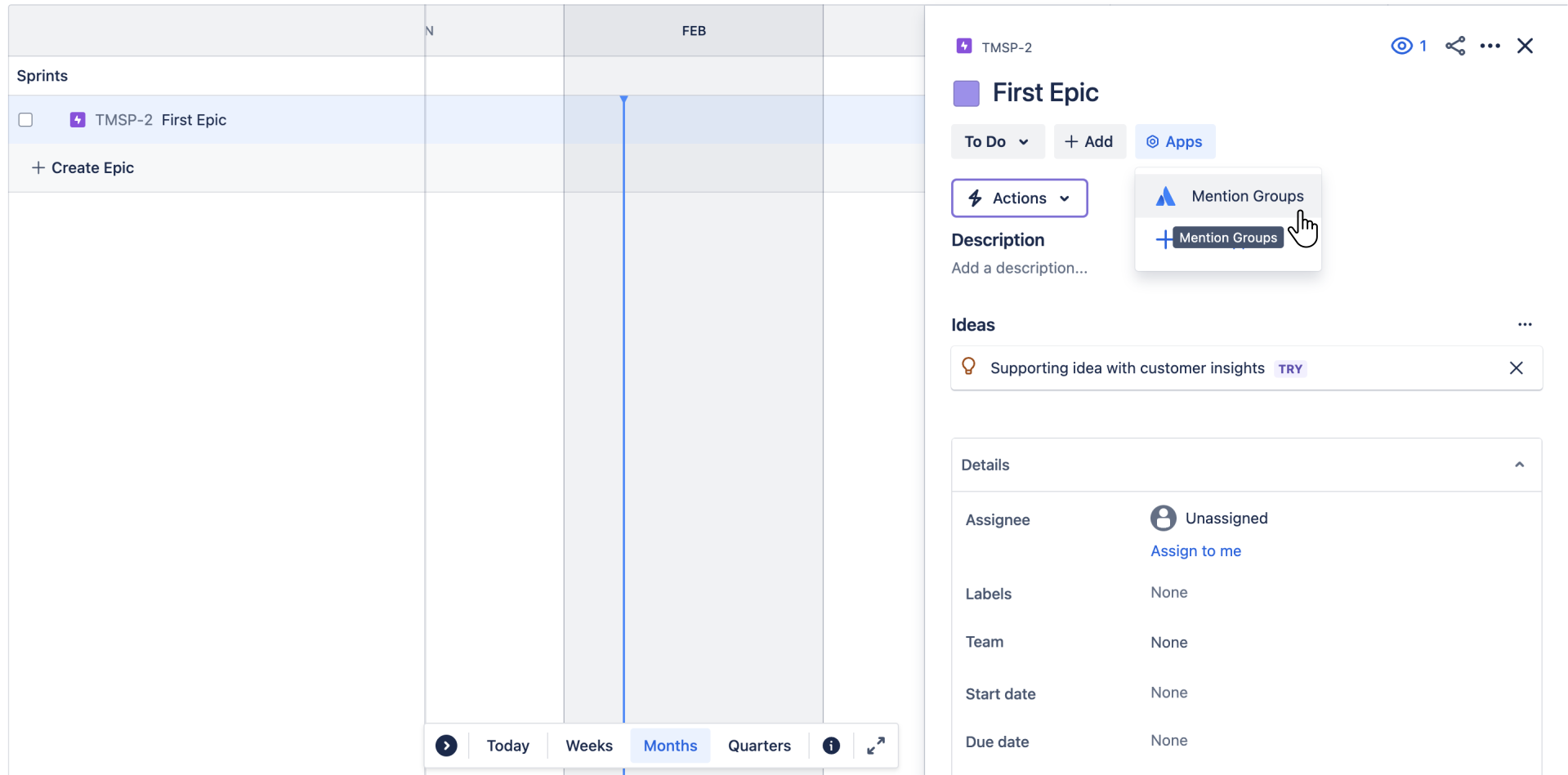
Select the Mention Groups App from your Apps section in your Jira issue panel to activate its functionality.
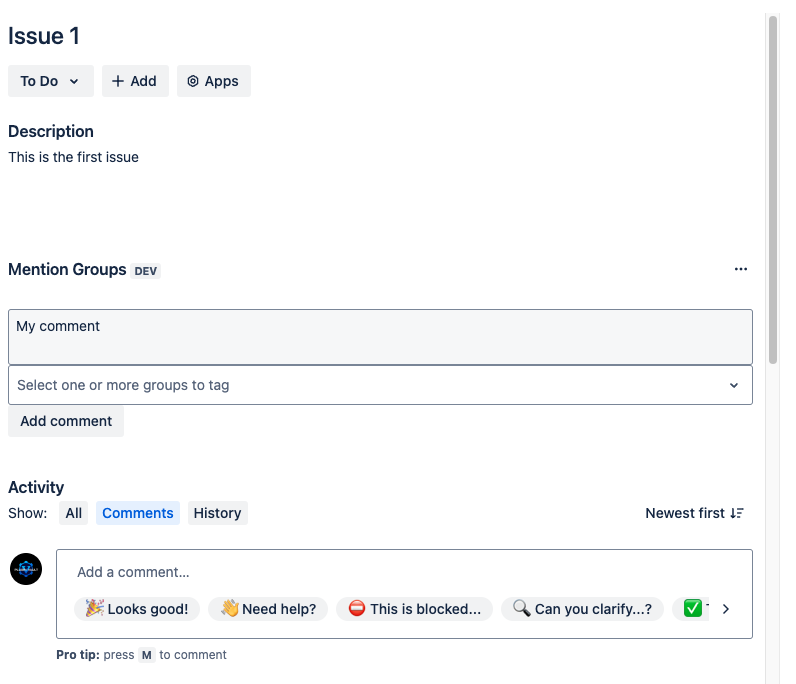
Add your comments.
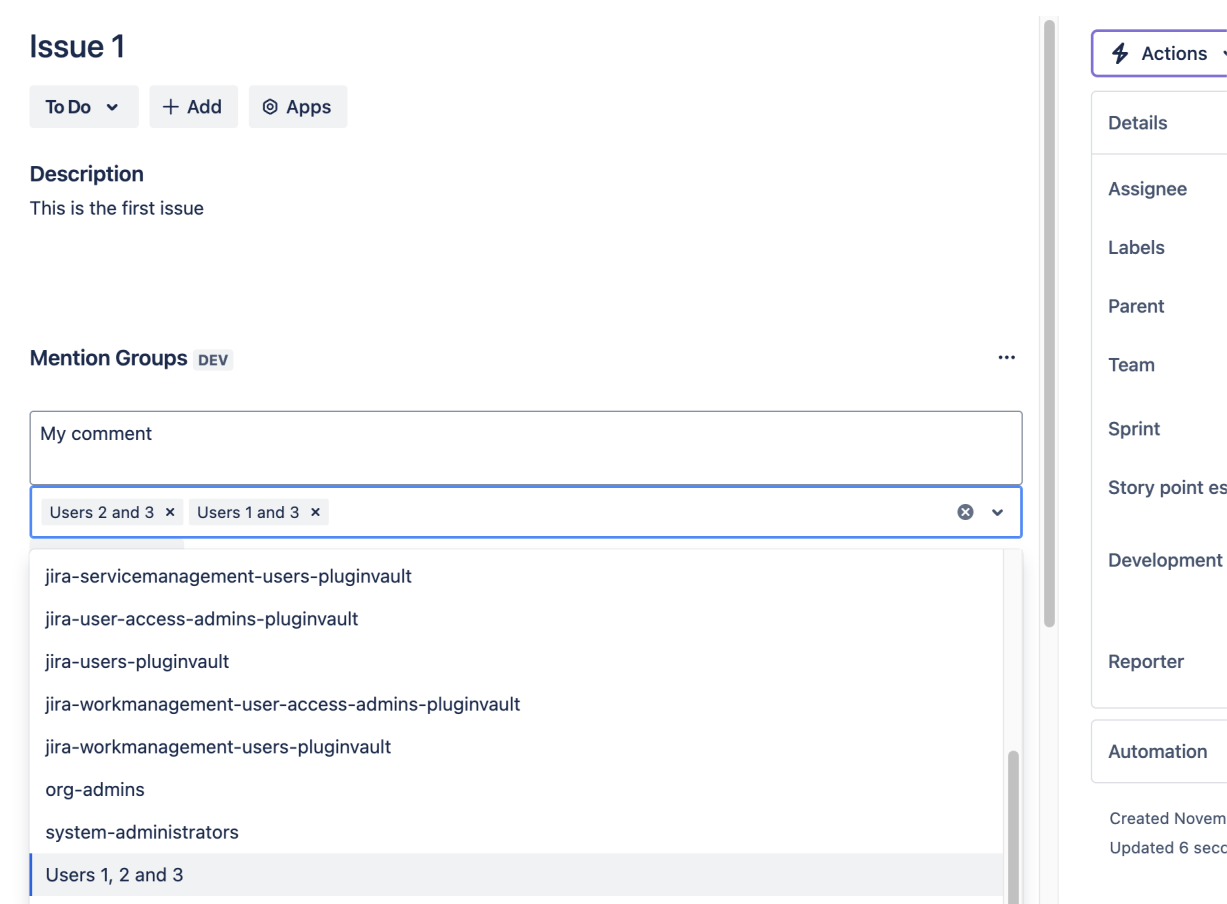
Select the groups you want tagged from the dropdown menu.
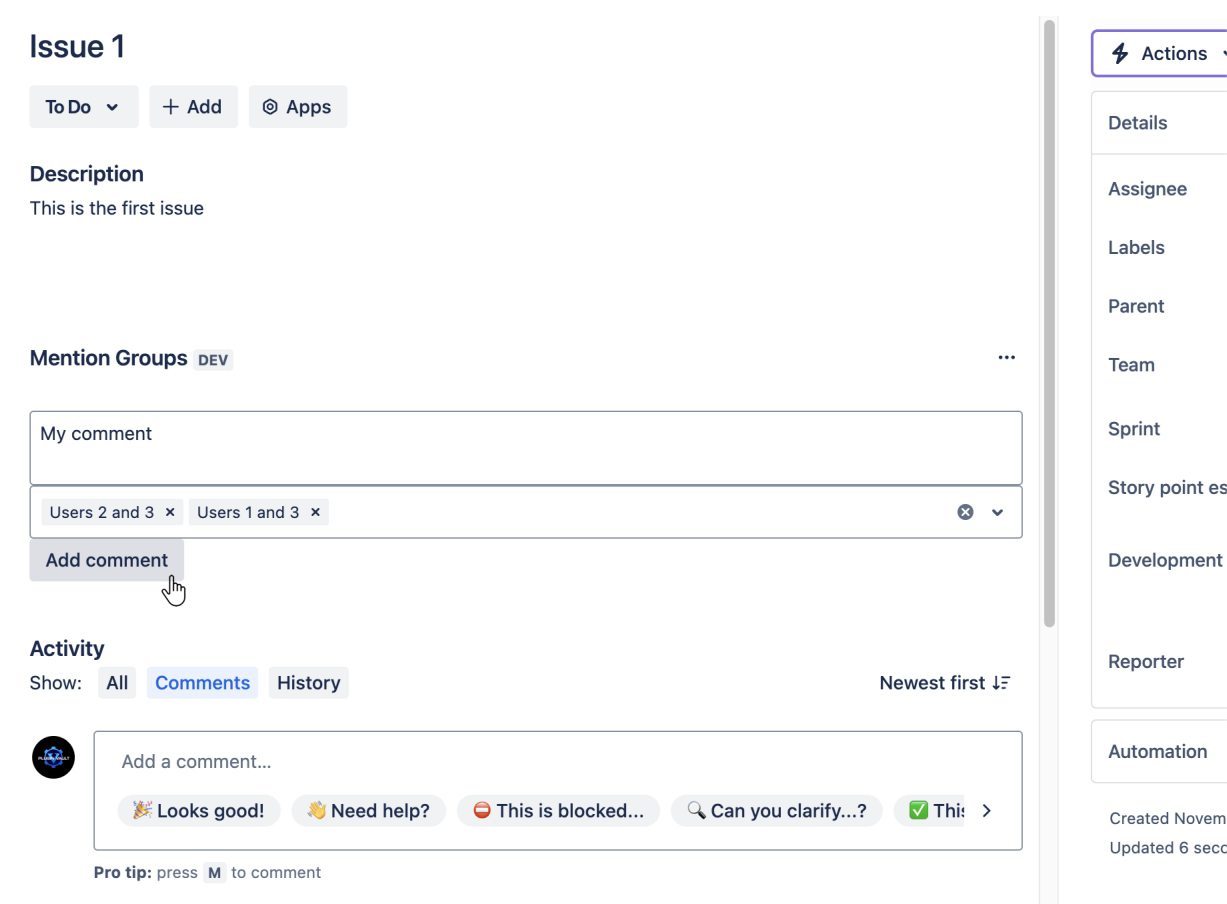
Submit your comment via the "Add comment" button.
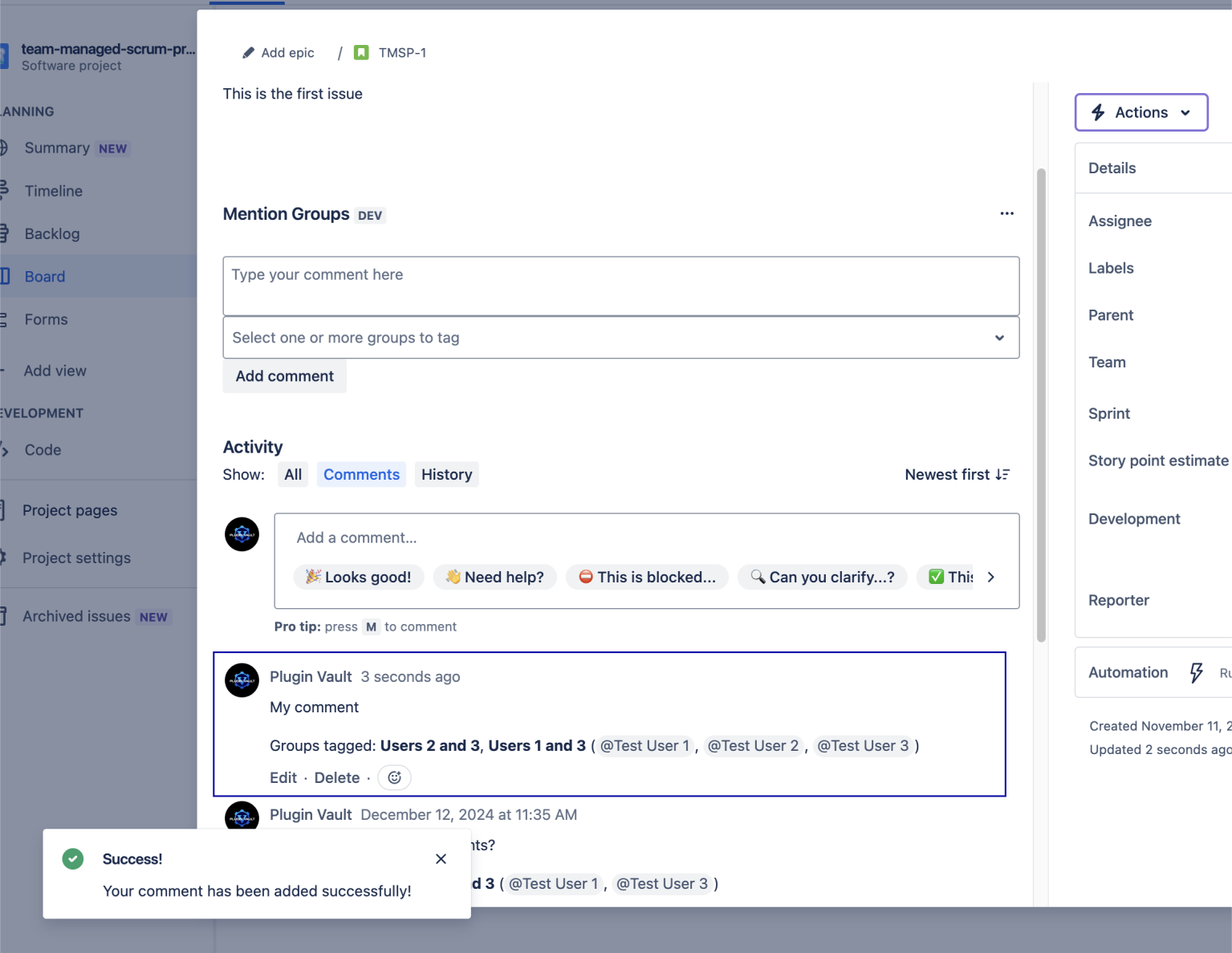
View your added comment in the Jira issue comments section.